CamPaint
A webcam painting tool that follows a region of color.
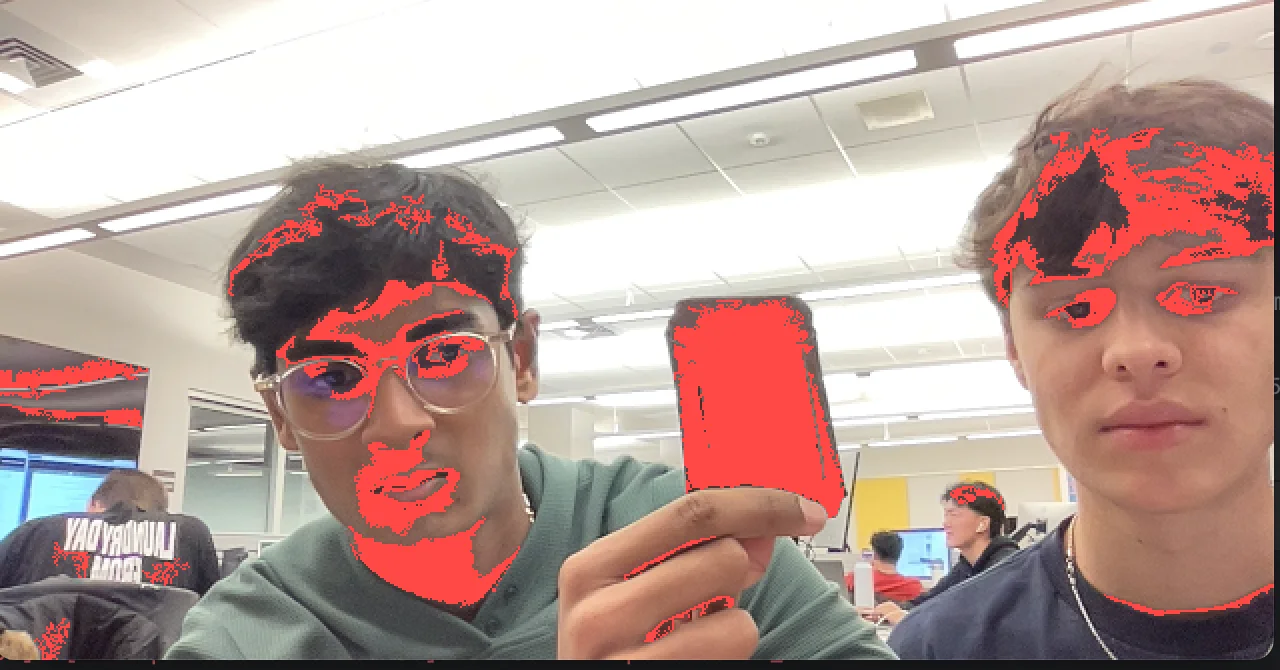
Selecting a color
CamPaint starts with a webcam frame. Clicking a pixel stores its color as the target, then the program compares every pixel against that target using separate red, green, and blue thresholds.
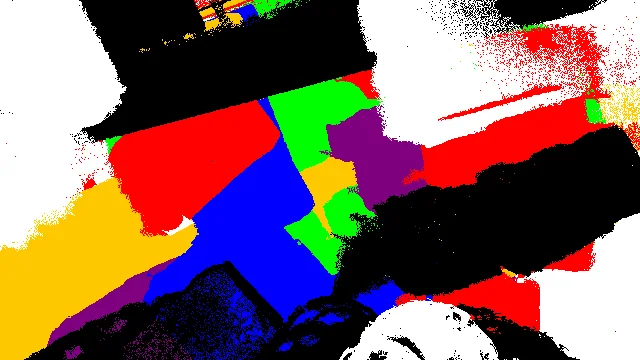
Growing connected regions
RegionFinder uses a queue-like list to flood through neighboring pixels that match the selected color. It keeps only regions larger than 50 pixels, then returns the largest one as the brush position.
Painting over time
In painting mode, each detected brush region is added to a running list of marked pixels. The selected paint color is stored alongside it, so changing colors does not alter earlier strokes. Keyboard controls switch between webcam, recolored, and painting views; pause, clear, and image-save controls are also implemented.